About this module
Model Splitter BETA
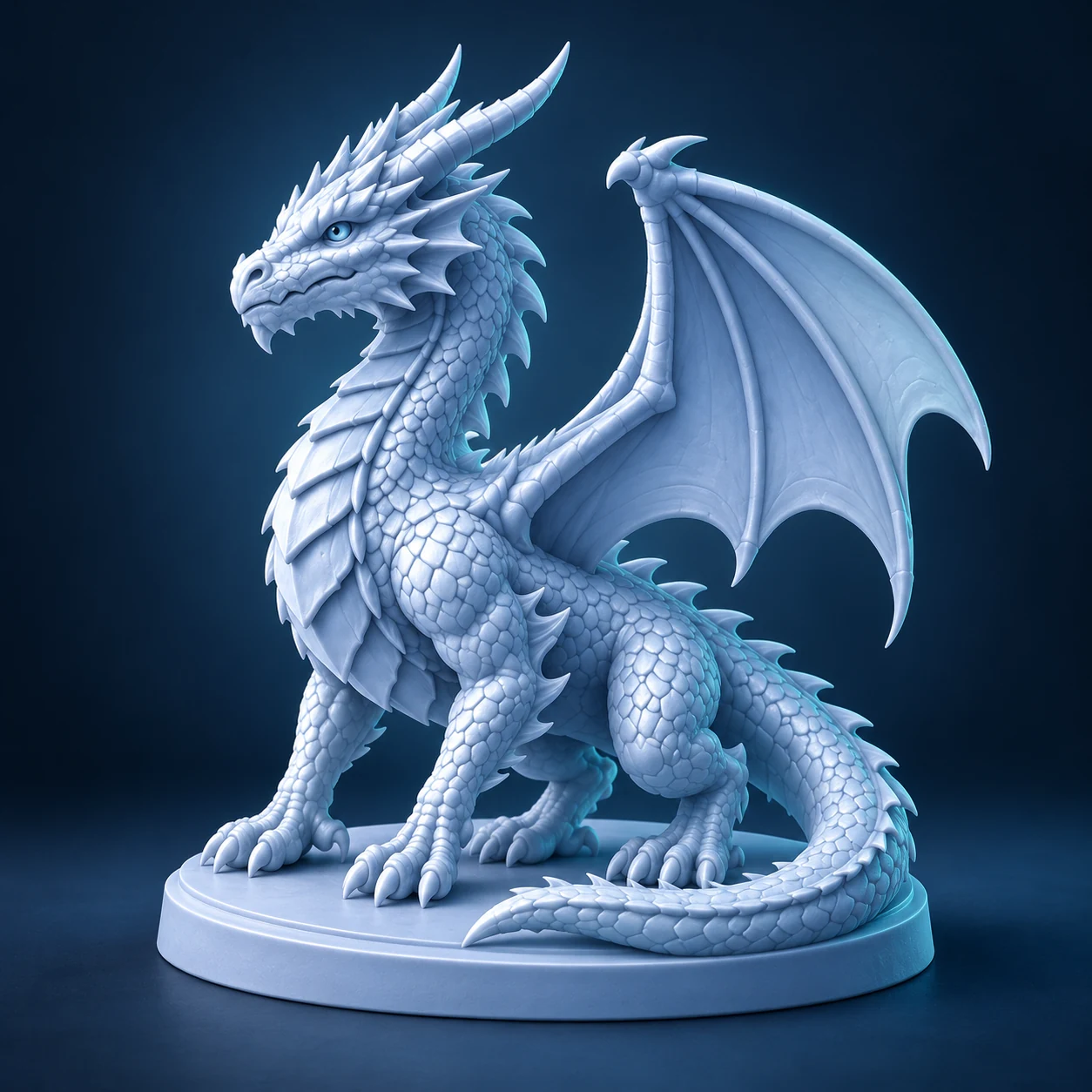
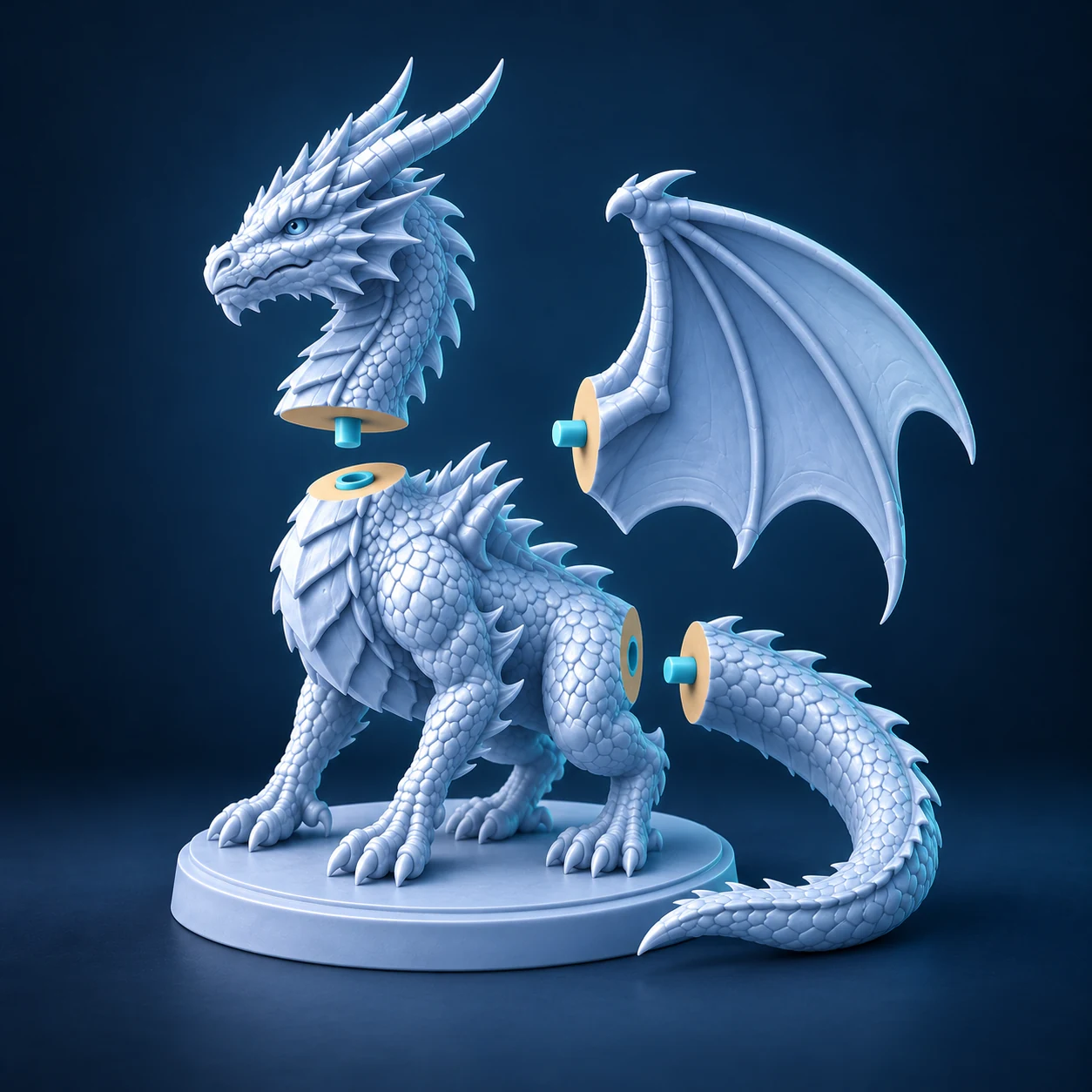
Divide a model into pieces that fit your print bed. Preview where the pieces meet and add matching connectors for assembly.
What you start with
Import STL, OBJ, 3MF, GLB, glTF or PLY.
What you get
Download the parts as STL and GLB files in one ZIP.
From model to print
Bring in your model
Open a 3D file and check its dimensions before choosing a cut.
Inspect the cut
Position a plane, follow a surface contour or set a grid size. Open the preview gap to inspect the cut faces.
Connect and export
Choose a connector or a clean cut. Add the cut to the queue, split the model and download the parts.
Access and pricing
You can split models, add connectors and download the parts for free. No account or credits are required.
Before you print
Check that each part fits your print bed. If you added connectors, test one pair on your printer before printing the whole model.