Free core tool
Access and pricing
You can split models, add connectors and download the parts for free. No account or credits are required.
 Printooly
A closer look at your next idea
Divide a model into pieces that fit your print bed. Preview where the pieces meet and add matching connectors for assembly.
The Model Splitter editor runs on a desktop or laptop. On a phone or tablet, you can read this guide and save the link for your computer.
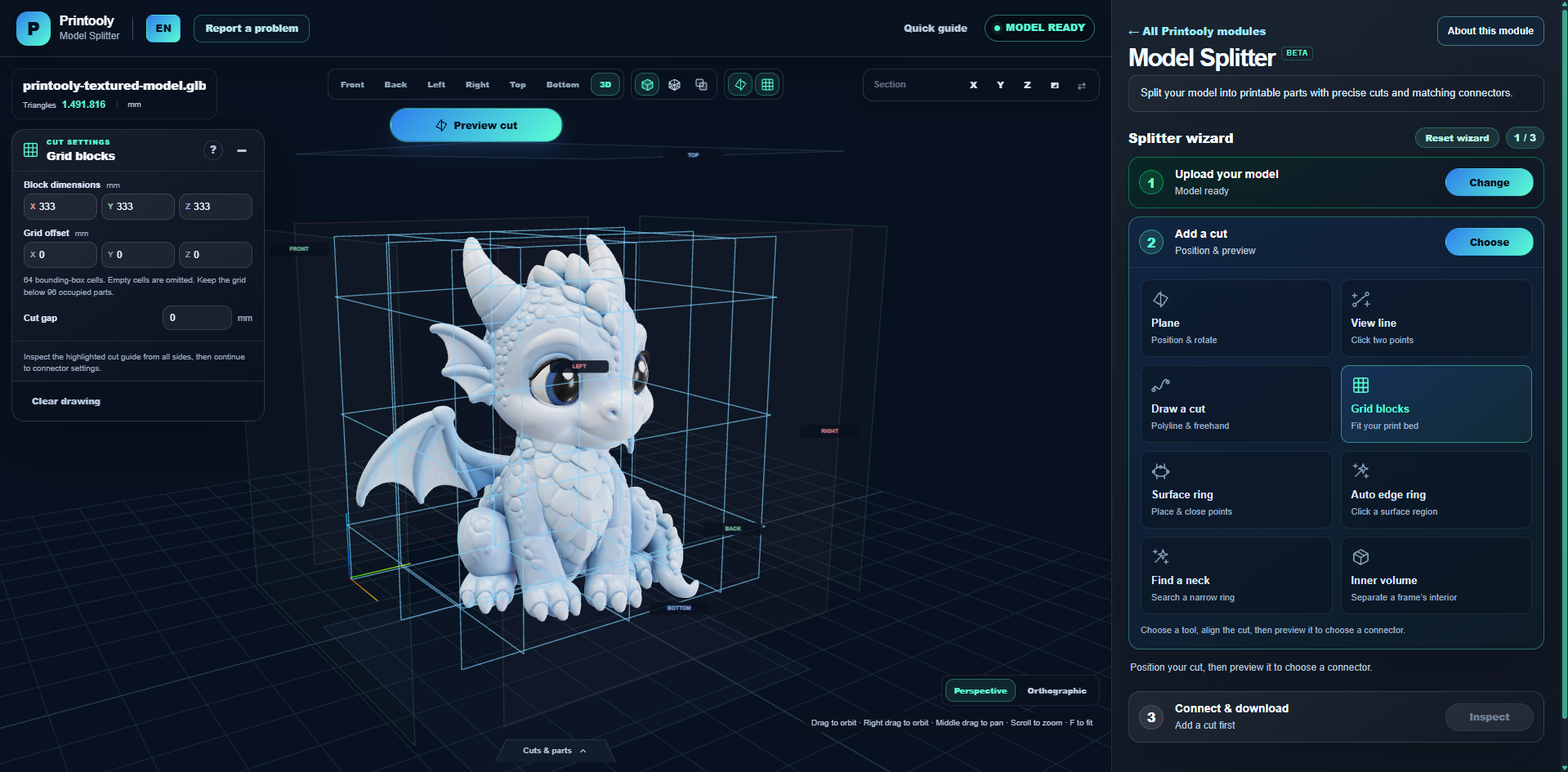
Real screenshots from Printooly. Select an image for a closer look.
Import STL, OBJ, 3MF, GLB, glTF or PLY.
Download the parts as STL and GLB files in one ZIP.
Your starting point
From your first idea to your next step.
Open a 3D file and check its dimensions before choosing a cut.
Position a plane, follow a surface contour or set a grid size. Open the preview gap to inspect the cut faces.
Choose a connector or a clean cut. Add the cut to the queue, split the model and download the parts.
Free core tool
You can split models, add connectors and download the parts for free. No account or credits are required.
Check that each part fits your print bed. If you added connectors, test one pair on your printer before printing the whole model.
MORE TO EXPLORE
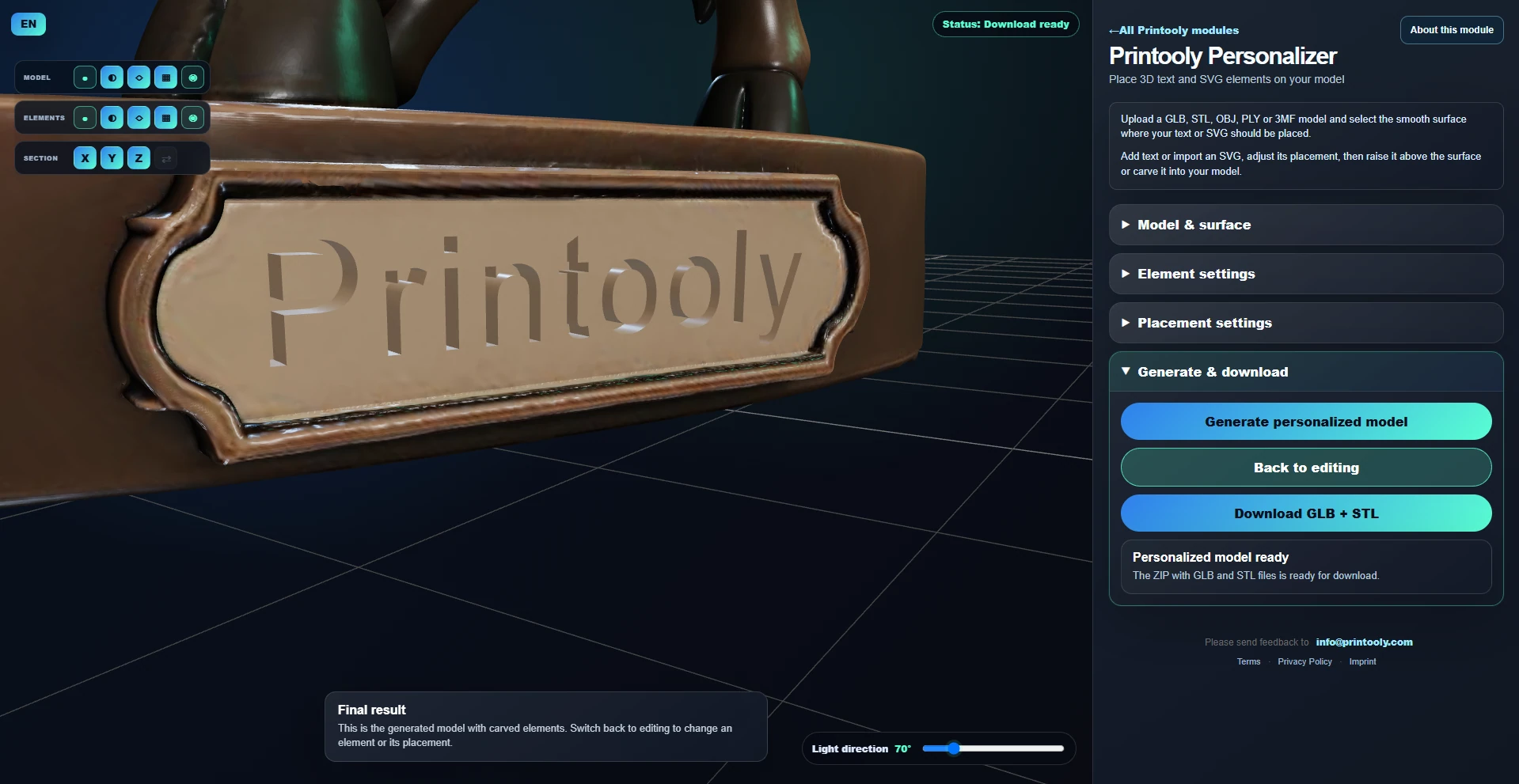
Add a name, your company logo or an icon to a 3D model. Create text or import an SVG, place it on the surface, then choose a raised design or an engraved recess.
Read guide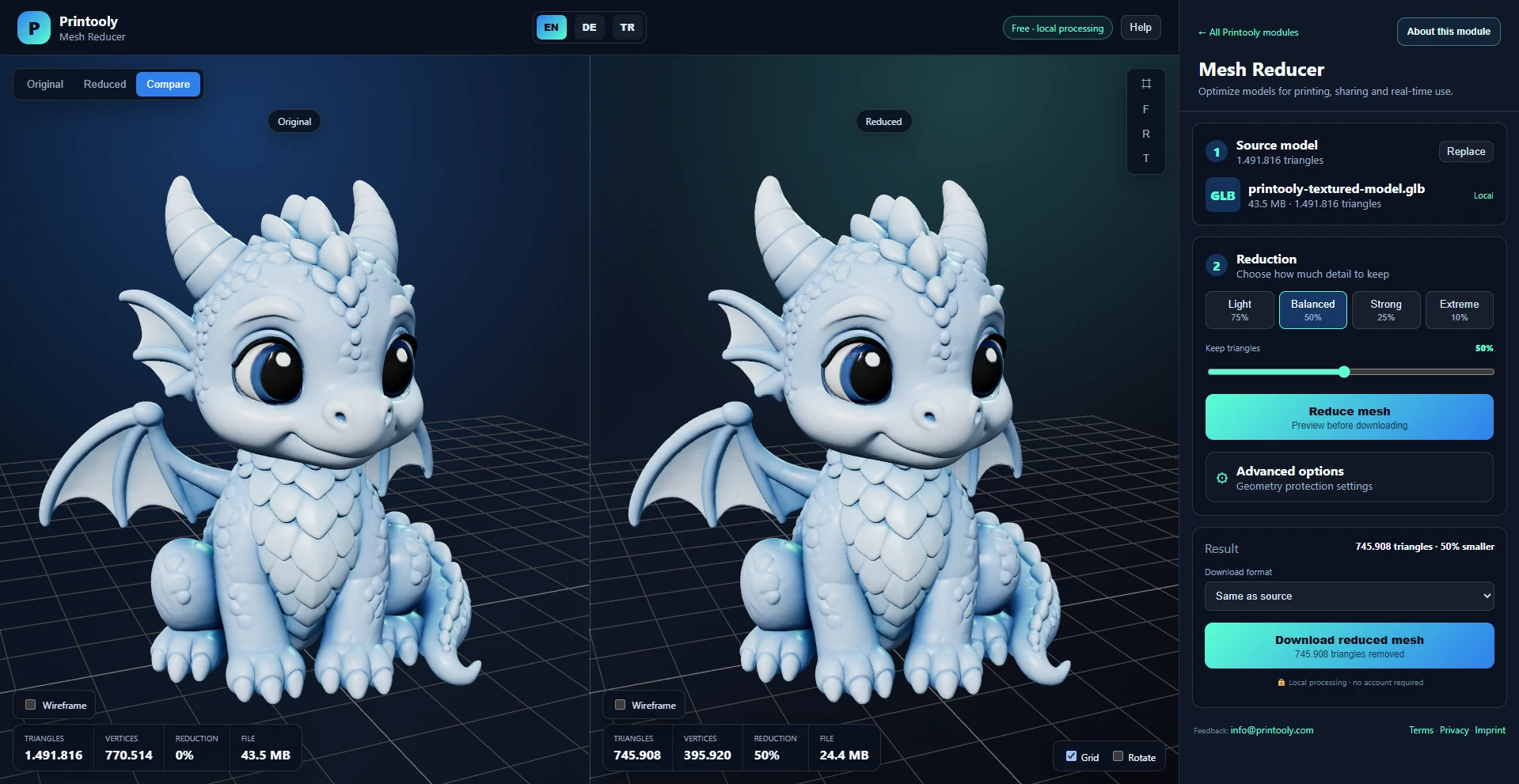
Reduce polygon and vertex counts in a 3D model with an interactive before-and-after preview and local browser processing.
Read guide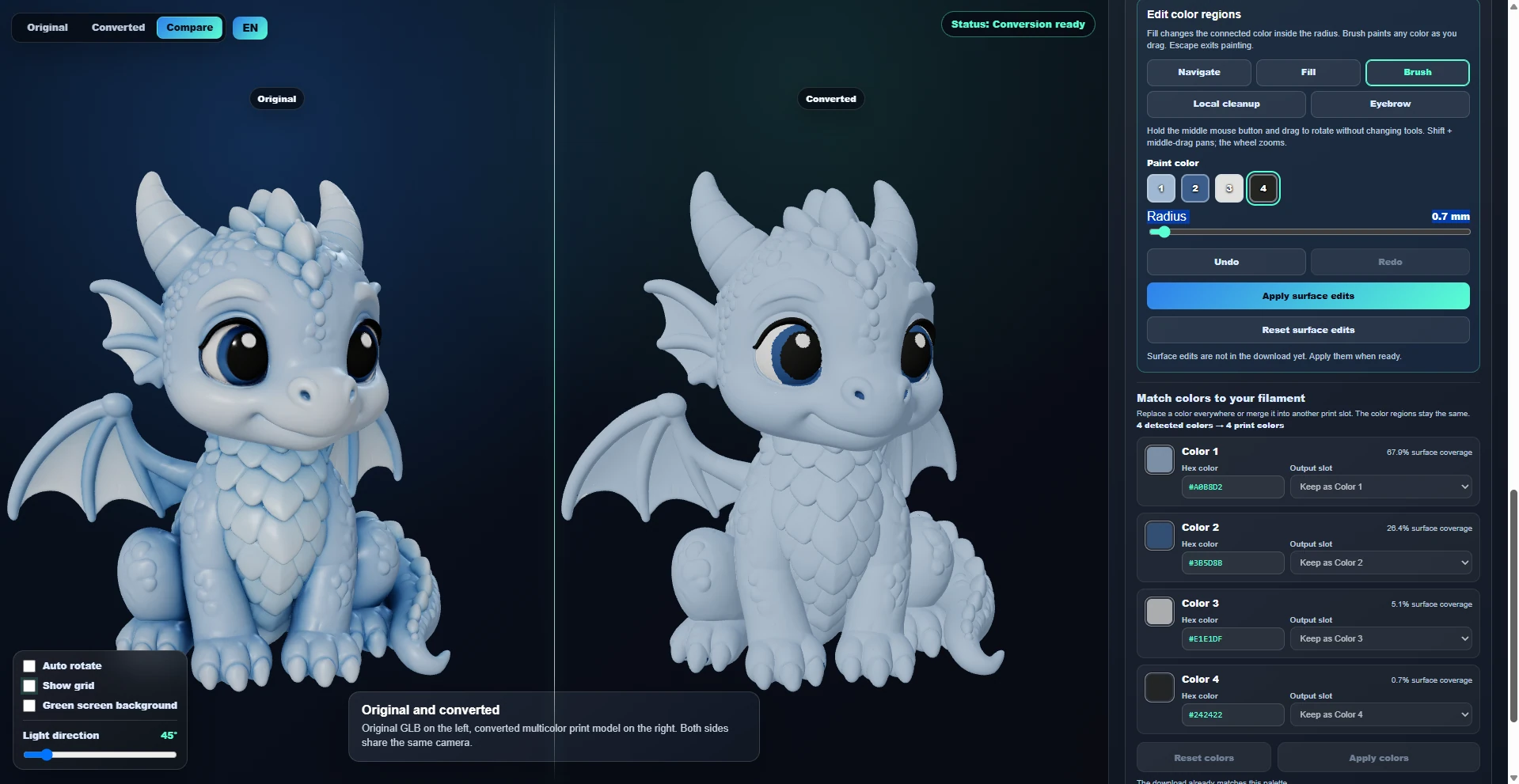
Convert a textured GLB into color regions for 3MF or OBJ/MTL export. Choose your palette, then refine the converted model with Brush, Fill and Local cleanup before assigning filaments in your slicer.
Read guideREADY WHEN YOU ARE
Save this link and open the tool on a desktop or laptop when you’re ready to create.
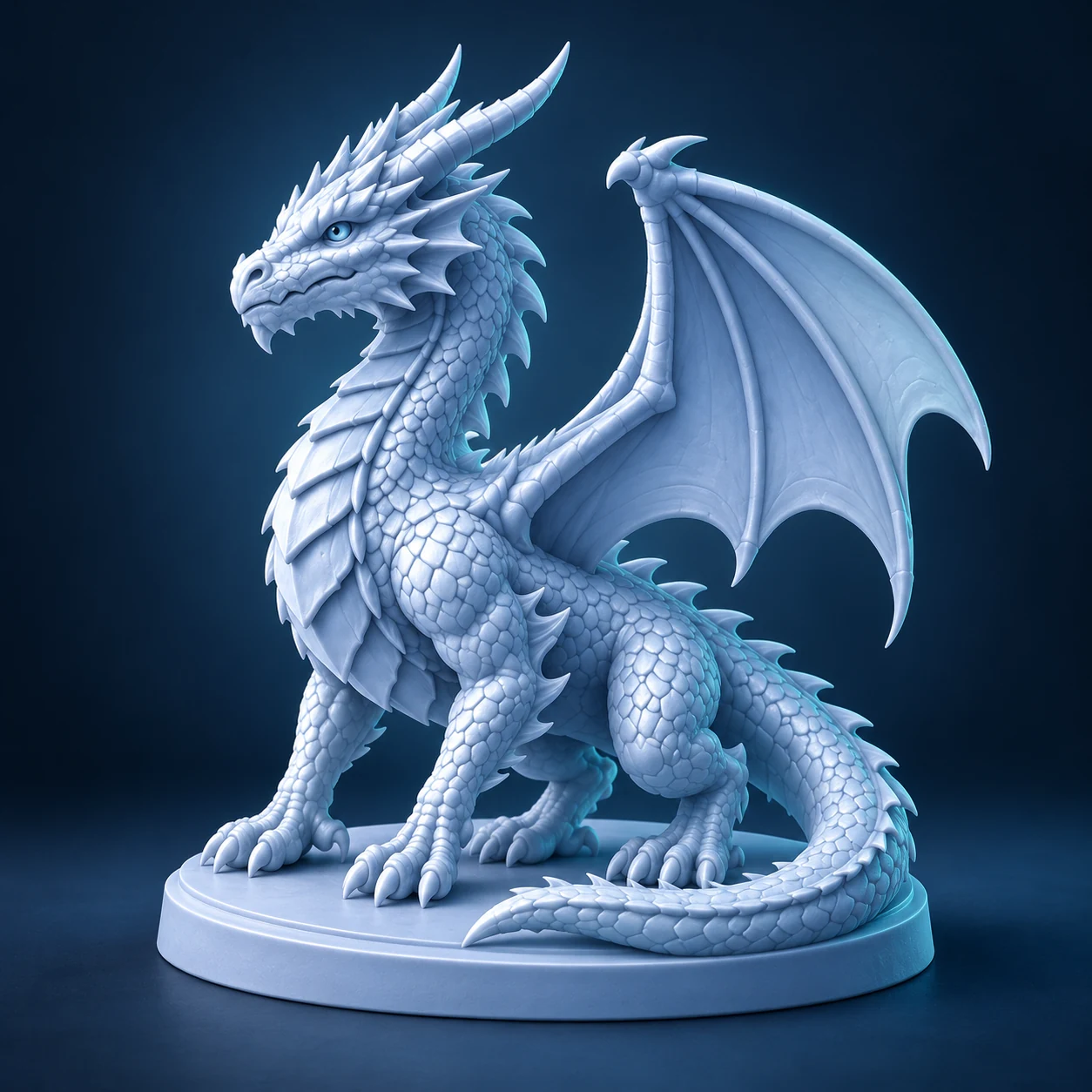
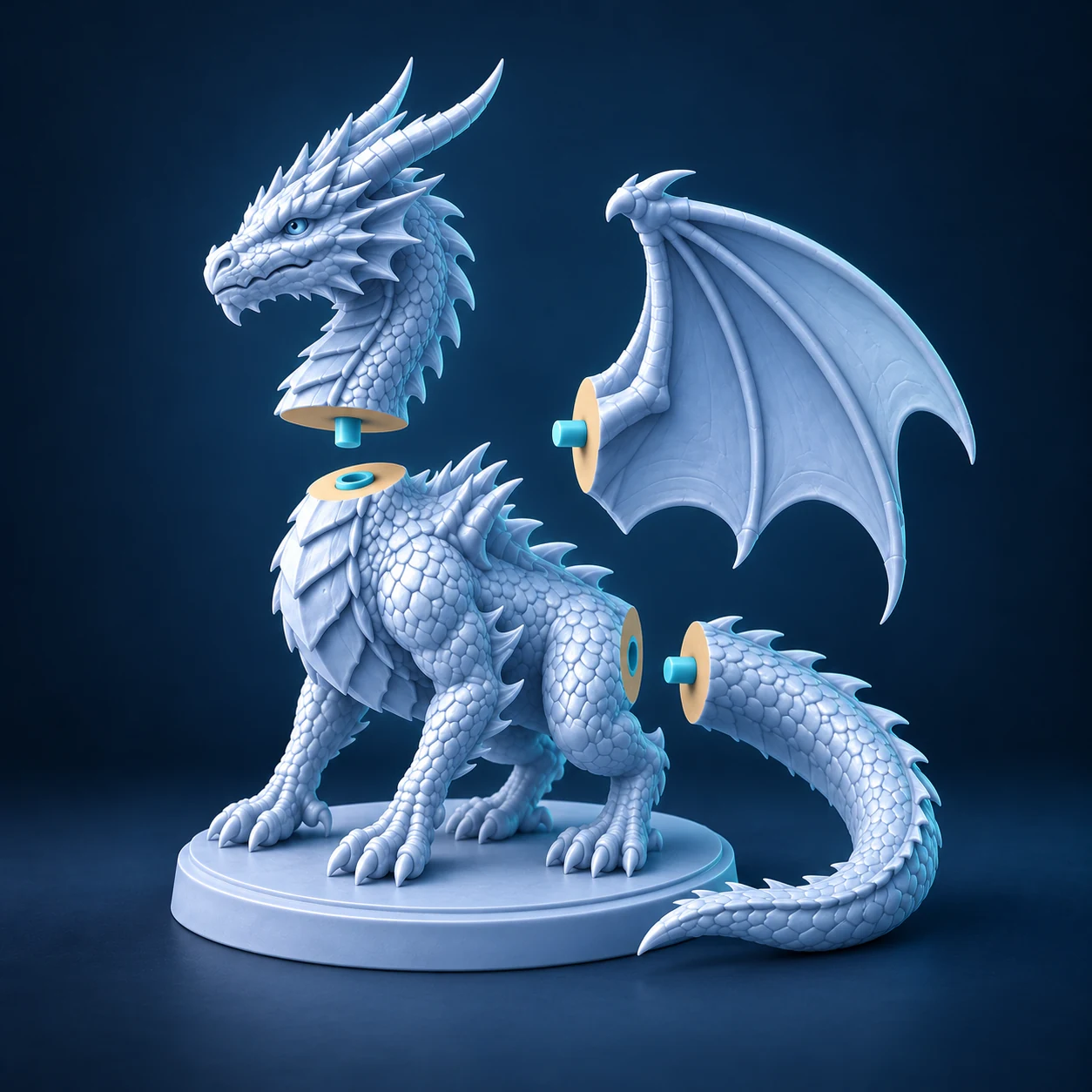
Turn your 3D model into parts that fit your printer.
Place your cut, preview the seam, then choose how the pieces join.
STL · OBJ · 3MF · GLB · GLTF · PLY or drag your file here